
Services > Cloud Services
For home & business
Cloud Services
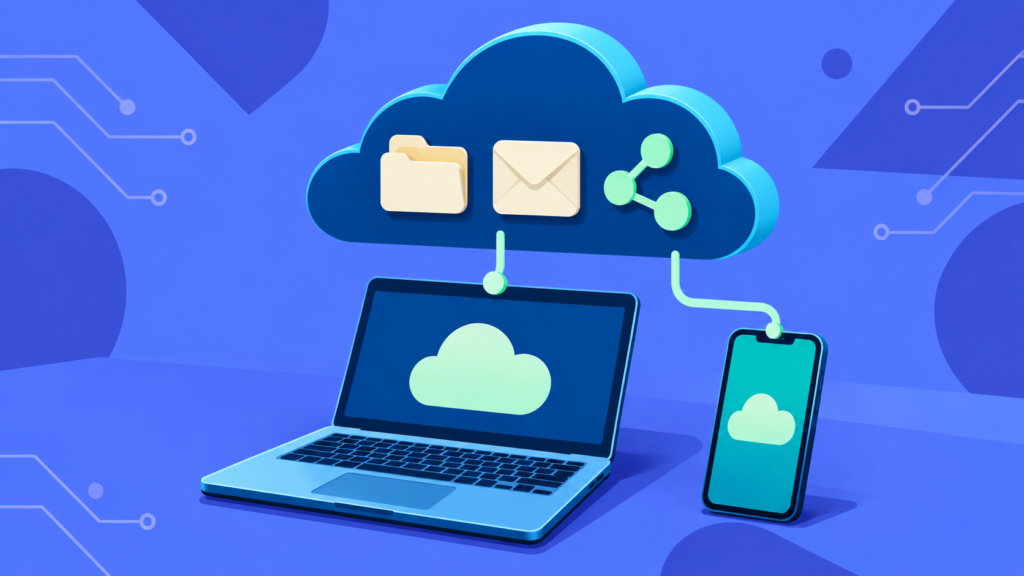
The cloud is, in the end, “someone else’s computer.” Used well, it can make storage, backup, email, and collaboration simpler, safer, and more affordable. I’ll show you how to use it without overpaying or losing control of your own data.
For your home
- Keeping photos and files available on all your devices
- Cloud backup for the things you can’t replace
- Family sharing and storage plans, and sorting out what you’re paying for
- Moving to a new email or storage provider without losing anything
For your business
- File storage and sharing for your team
- Email and collaboration tools, set up properly
- Moving from an old file server or shared drive to the cloud
- User accounts, permissions, and access control
- Cloud backup as part of a real recovery plan
- Reviewing subscriptions and cutting what you don’t use: Microsoft 365, Google Workspace, Dropbox, OneDrive
What to expect
No Commissions
My advice isn't tied to what any vendor pays.
Cloud or local, honestly
I will tell you when the cloud is the right answer and when keeping something local makes more sense.
You keep ownership
Your accounts and your data stay yours.
Often paired with this
Backup & Data Protection
Backups that run on their own and restore when you need them.
Learn more
Cybersecurity
Practical Protection for your devices, accounts, and data.
Learn more
Help Desk
Someone to call when an account, device, or program acts up or stops working.
Learn more
Not sure what you need?
That's a perfectly good place to start. You don't need the technical terms. Just describe what's not working or what you want, and we can go from there.