
Services > Networking & Wi-Fi support
For home & business
Networking & Wi-Fi support
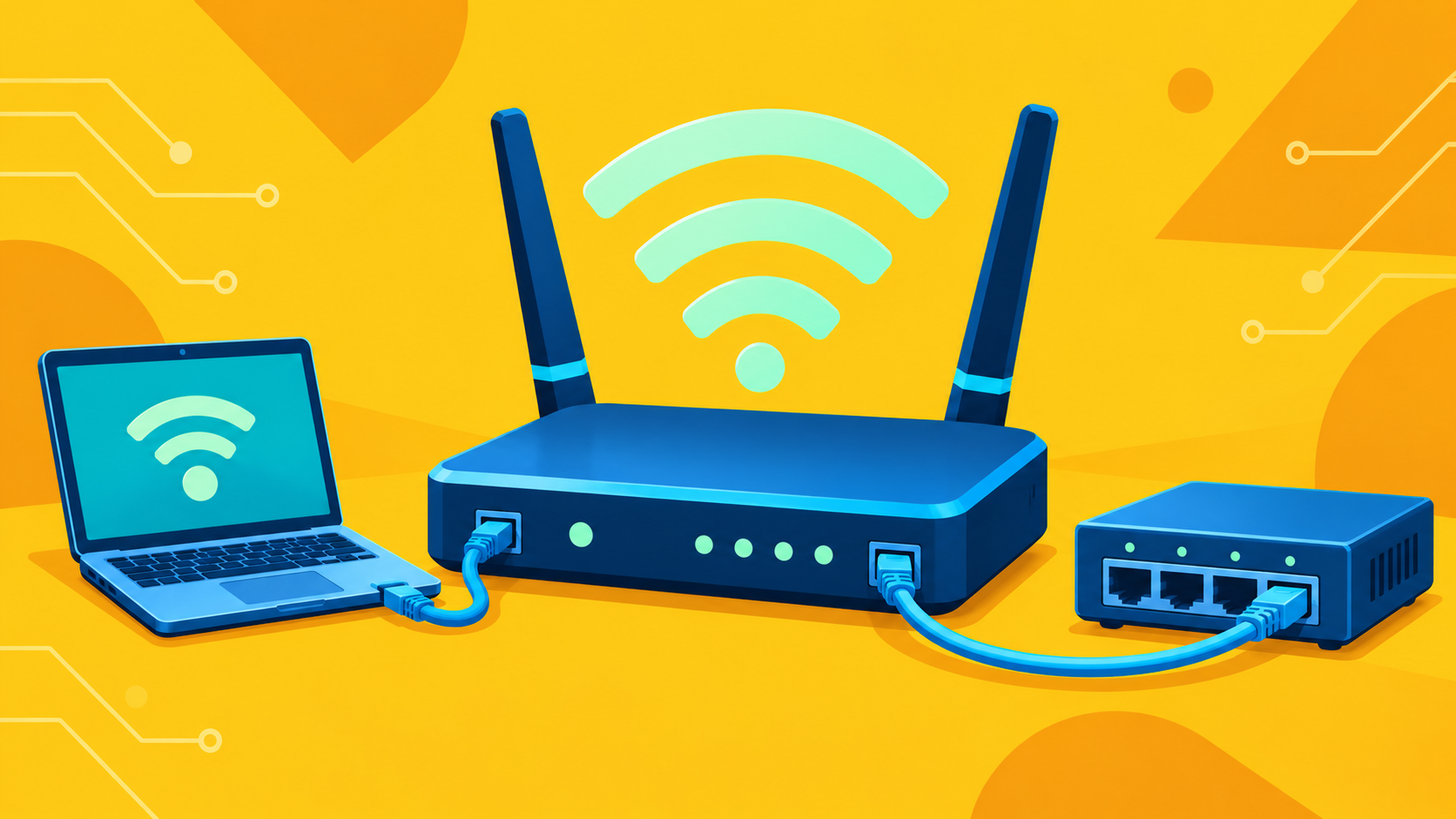
Wi-Fi that drops out, a printer nobody can reach, or an office that’s outgrown its network. I can design, set up, troubleshoot, and improve wired and wireless networks, whether you’re starting fresh or sorting out what you already have.
For your home
- Wi-Fi dead spots, dropped connections, and inconsistent performance
- Setting up or replacing routers and wireless access points
- Wired connections for devices that need them
- Getting computers, printers, and other devices connected
- Reviewing Wi-Fi security settings and router updates
For your business
- Designing and setting up wired and wireless office networks
- Configuring routers, switches, access points, and firewalls
- Troubleshooting connections to shared printers, drives, and other network resources
- Reviewing network access, security settings, and equipment updates
- Expanding or updating your network as your business changes
What to expect
Find the cause first
A slow connection doesn’t automatically mean you need a new router or a more expensive internet plan. I’ll check whether the trouble is with a device, your network, or the provider connection before recommending changes.
A setup that fits your space
The layout of your home or office matters, along with how and where you use your devices. I’ll work out where wireless makes sense, where a cable would help, and whether your existing equipment can do the job.
Know what you have
You should understand what the equipment does and what changed. I’ll explain the setup and everyday tasks, such as connecting a new device, without burying you in networking terms.
Often paired with this
Internet setup & support
Help with your internet connection, including working with your provider when needed.
Cybersecurity
Practical Protection for your devices, accounts, and data.
Learn more
Help Desk
Someone to call when an account, device, or program acts up or stops working.
Learn more
Not sure what you need?
That’s a perfectly good place to start. You don’t need to know whether it’s the Wi-Fi, the router, or something else. Just tell me what’s happening and where, and we can go from there.