
Is Your Backup Actually a Backup?
You have an external hard drive connected to your computer. Your important files are copied to it.
So you’re backed up, right?
Not necessarily.
If your backup drive is sitting next to your computer, it may be vulnerable to the exact same problem that takes out the computer itself. A fire, theft, electrical problem, ransomware attack, accidental spill, or even simple human error could affect both copies at the same time.
That’s why a good backup strategy needs more than just a second hard drive.
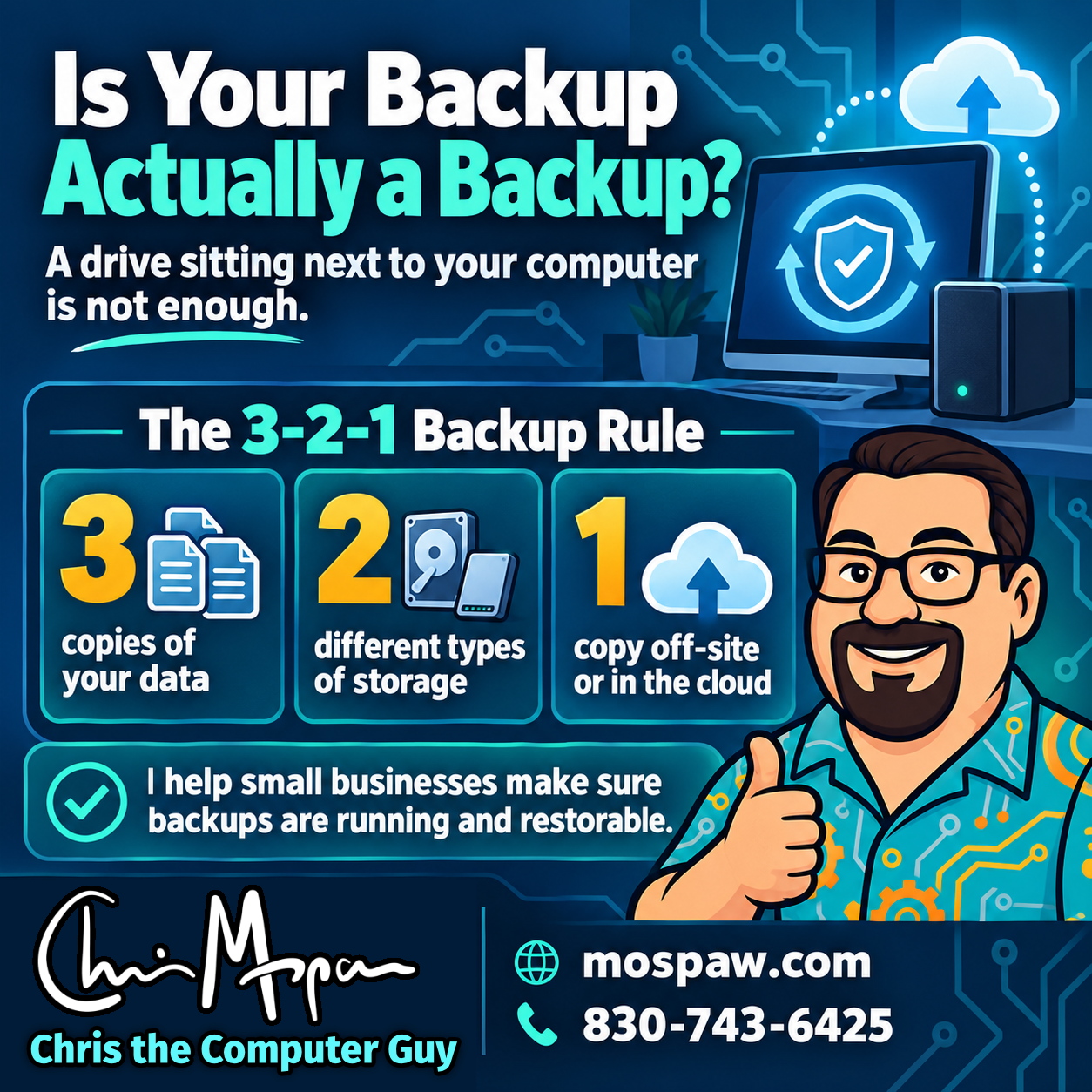
The 3-2-1 Backup Rule
One of the simplest and most useful backup guidelines is the 3-2-1 rule:
- Keep 3 copies of your important data.
- Store those copies on at least 2 different types of storage.
- Keep at least 1 copy off-site.
For a small business, that might mean:
- The working files on your computer or server.
- A local backup on an external drive or NAS.
- A cloud backup or another copy stored somewhere physically separate.
The exact technology can vary. The important part is making sure one problem cannot destroy every copy at once.
A Backup Is Only Useful If You Can Restore It
There’s another important part of backup planning that often gets overlooked:
Have you actually tested the backup?
Seeing a message that says “Backup completed successfully” is reassuring, but it doesn’t necessarily prove that the data can be restored correctly.
Backups can fail because of:
- Misconfigured software
- Full backup drives
- Expired cloud accounts
- Corrupted files
- Disconnected drives
- Changed passwords
- Network problems
- Files or folders that were never included in the backup
The worst time to discover one of these problems is after your original data is already gone.
That’s why periodic restore testing matters.
Backups Should Run Automatically
A backup system should not depend on someone remembering to plug in a drive every Friday afternoon.
Whenever possible, backups should run automatically on a regular schedule.
For many small businesses, a good system may include both a local backup and an automated cloud backup. That provides fast recovery from common problems while also protecting against larger disasters.
The best backup system is one that quietly does its job in the background—and alerts someone when it stops working.
Ransomware Changes the Equation
Backups are also an important part of protection against ransomware.
If malicious software encrypts your business files, a connected backup drive may be encrypted as well.
That’s another reason an off-site or protected cloud copy is important. A properly designed backup system gives you another recovery option instead of leaving you completely dependent on the affected computer.
Backups don’t replace good cybersecurity, but they are an essential part of recovering when something goes wrong.
When Was the Last Time You Checked Yours?
If you run a small business, ask yourself a few simple questions:
- What data would hurt the most to lose?
- Where is it backed up?
- Is there a copy somewhere else?
- Are the backups automatic?
- Who checks that they are working?
- When was the last successful restore test?
If you don’t have confident answers to those questions, your backup strategy deserves a closer look.
I help small businesses review their backup systems, identify gaps, set up practical local and cloud backup solutions, and make sure important files can actually be restored before there’s an emergency.
If this sounds like your business, get in touch and I’ll help make sure your data is backed up and restorable, not just copied somewhere and forgotten.